Get Started
Injecting
After purchase and launching the loader, you may see a HWID incorrect error.

This first run copies your HWID to the clipboard.
Open the Settings page, paste your HWID, and save.

Restart the loader afterward.
Initialization
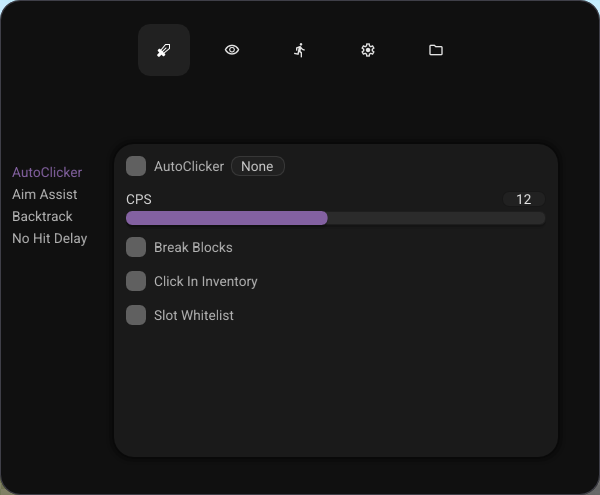
After the restart, select the Bacterial Client product in the loader and launch Minecraft.
We inject Lunar Client only, for Minecraft 1.7.10 and 1.8.9.
After a successful inject, press Insert or Delete to open the menu.
Modules
Combat, Visuals, Movement, and Misc modules are documented in their category pages.
Binding

You can bind all modules and choose the bind mode: Toggle or Hold. To unbind a key, press Esc while setting the bind.
Configs
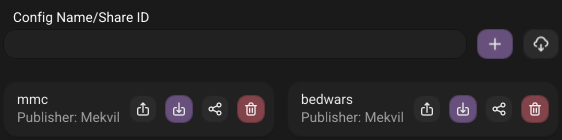
We provide cloud configs stored on the server. Create a new config by pressing the Plus button in the Configs tab, or import from cloud using the Cloud icon.
You can Load, Save, or Delete existing configs. To share a config, generate a Config ID using the Share icon.